1 / 7 · Click to enlarge
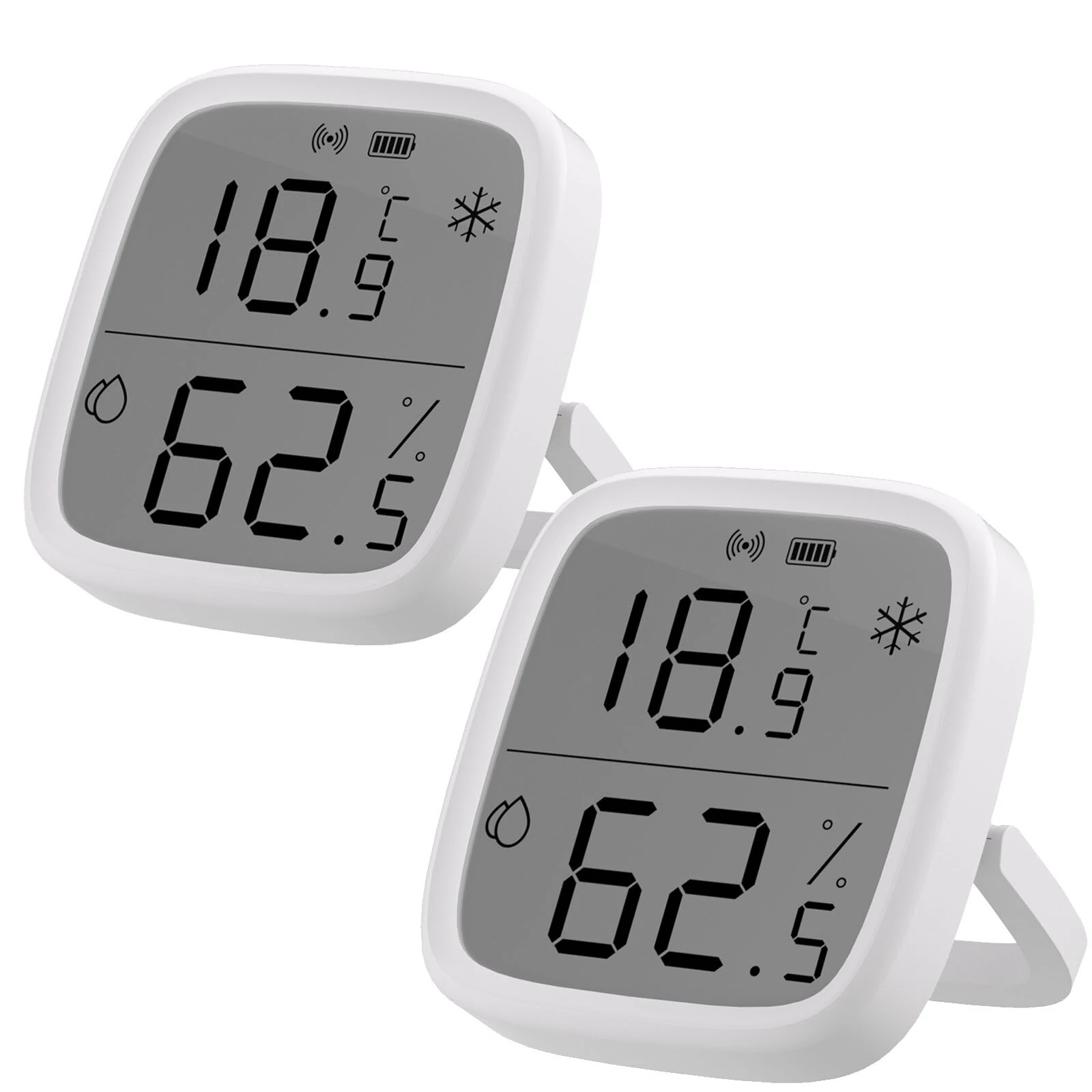
2Pcs SONOFF SNZB-02DR2 AirGuard TH 3.6'' LCD Zigbe Temperature Humidity Sensor App Monitoring Work with Apple Home Via Matter Bridge
The 2Pcs SONOFF SNZB-02DR2 AirGuard TH 3.6'' LCD Zigbe Temperature Humidity Sensor App Monitoring Work with Apple Home Via Matter Bridge by SONOFF is a premium product designed for premium buyers.
Available Offers
Free Delivery on this order. No minimum order value.
15-Day Easy Returns — hassle-free return & full refund.
Secure Payment — 100% safe checkout with UPI, Cards & Net Banking.
Available Offers
5% Cashback
Pay with UPI & get 5% cashback (up to ₹50) via Razorpay
No-Cost EMI
Available on select bank cards at checkout. 0% interest for 3 months.
Free Shipping
Free delivery on all orders. No minimum order value.
Cash on Delivery
COD available on orders up to ₹5,000 across India.
Ideal For
About This Product
The 2Pcs SONOFF SNZB-02DR2 AirGuard TH 3.6'' LCD Zigbe Temperature Humidity Sensor App Monitoring Work with Apple Home Via Matter Bridge by SONOFF is a premium designed for premium buyers. It delivers reliable performance at an accessible price.
Why Buy from Elecvora?
Elecvora sources this product directly, cutting out multiple middlemen. Every order includes free shipping, a 15-day return policy, and secure payment via Razorpay.
Notice:
1.Zigbe hub is needed,it must be purchased separately.
2.Supported eWeLink APP.
Specifications:
Brand: SONOFF
Model: SNZB-02DR2
Display: 3.6-inch LCD screen
Measurement Range:
Temperature: -20°C to 60°C
Humidity: 5% to 95% RH non-condensing
Accuracy:
Temperature: ±0.2°C
Humidity: ±2% RH
Battery: 2×AAA 1.5V batteries (Included)
Connectivity: Zigbee3.0
Features:
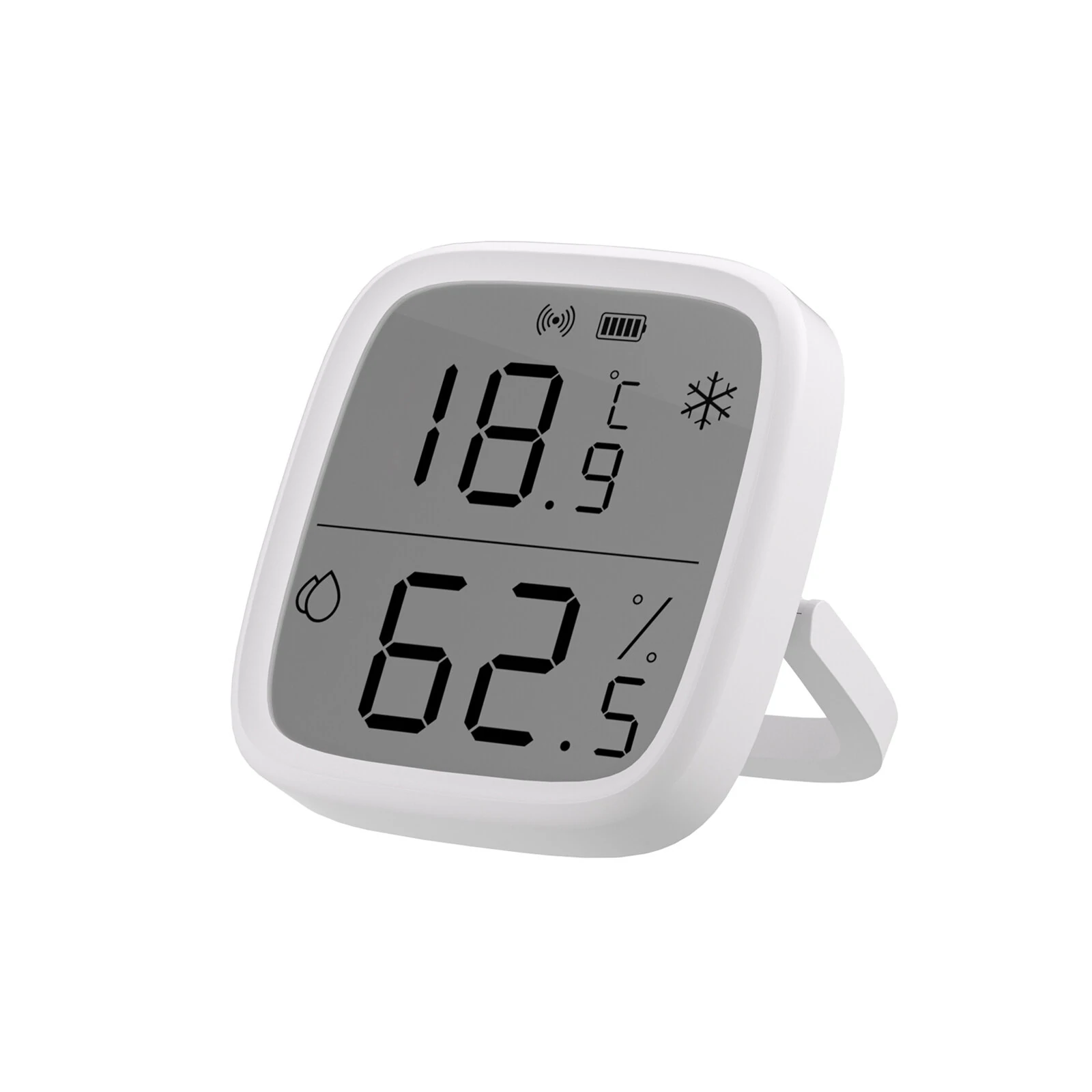
【Large Display & Rich Data】Features a 3.6'' LCD screen to simultaneously view real-time temperature and humidity, 24-hour extremess, and remote sensor data at a glance.
【App Monitoring & Advanced Analysis】Track temperature and humidity in the eWeLink App via a Zigbe gateway, accessing up to 6 months of detailed records with max, min, and average curves, plus dew point and VPD analysis for clear, data-driven air-quality insights.
【Remote Temperature Comparison】In Zigbe mode, links with SNZB-02/02P/02WD/02D/02LD devices to instantly display other sensor temperatures, allowing fast checks without opening your phone or entering the room.
【Smart Scene Automation】Works with other smart devices—such as humidifiers, air conditioners, and more—to help automatically maintain a healthy, comfortable temperature and humidity level throughout your home.
【Flexible Reporting Frequency】Adjustable temperature and humidity reporting intervals based on thresholds or cycles, providing data updates tailored to your needs.
Package Includes:
1× Zigbe Temperature and Humidity Sensor
2× AAA batteries
1× User manual
1× Package Box