1 / 3 · Click to enlarge
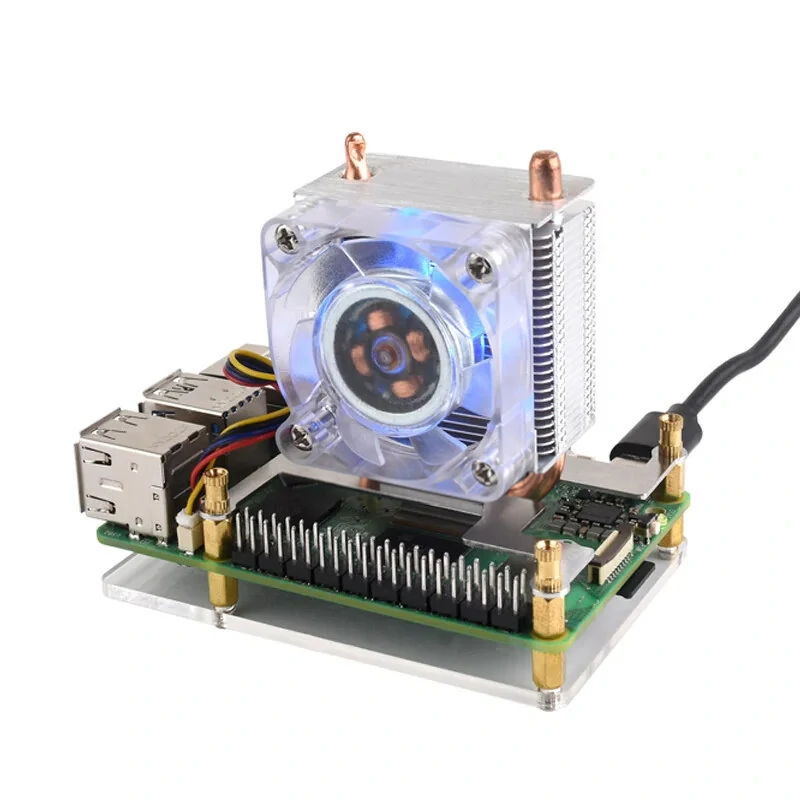
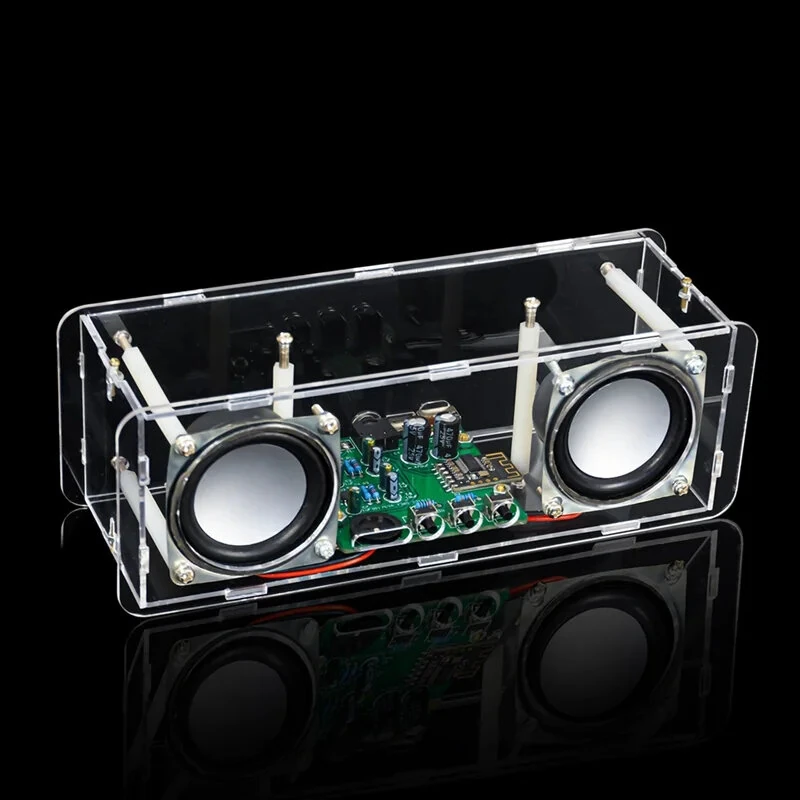
Acrylic Case Protective Box for Arduino UNO R3 Development Board
 UNO R3 Development Board
 MEGA 2560 R3 Module
The Acrylic Case Protective Box for Arduino UNO R3 Development Board is a mid-range electronics designed for everyday users. It features Size: 13*10*5cm and Weight: 54g.
Available Offers
Free Delivery on this order. No minimum order value.
15-Day Easy Returns — hassle-free return & full refund.
Secure Payment — 100% safe checkout with UPI, Cards & Net Banking.
Available Offers
5% Cashback
Pay with UPI & get 5% cashback (up to ₹50) via Razorpay
No-Cost EMI
Available on select bank cards at checkout. 0% interest for 3 months.
Free Shipping
Free delivery on all orders. No minimum order value.
Cash on Delivery
COD available on orders up to ₹5,000 across India.
Quick Specs
Ideal For
About This Product
The Acrylic Case Protective Box for Arduino UNO R3 Development Board is a mid-range electronics designed for everyday users. It delivers reliable performance at an accessible price.
Key Specifications
- Size: 13*10*5cm
- Weight: 54g
- One Package Weight: 0.09kgs / 0.20lb
- One Package Size: 13cm * 10cm * 5cm / 5.12inch * 3.94inch * 1.97inch
- Best Sellers Rank (Consumer Electronics): #1376
- Best Sellers Rank (Consumer Electronics > Arduino & SCM Supplies): #51
- Best Sellers Rank (Consumer Electronics > Arduino & SCM Supplies > Other Accessories): #18
Why Buy from Elecvora?
Elecvora sources this product directly, cutting out multiple middlemen. Every order includes free shipping, a 15-day return policy, and secure payment via Razorpay.
1. This case is made from high-quality acrylic material, which has the advantages of good high-temperature resistance, impact resistance 2. Simple and easy to operate 3. Support Arduino UNO R3 development board Note: It is an unfinished product.