1 / 6 · Click to enlarge
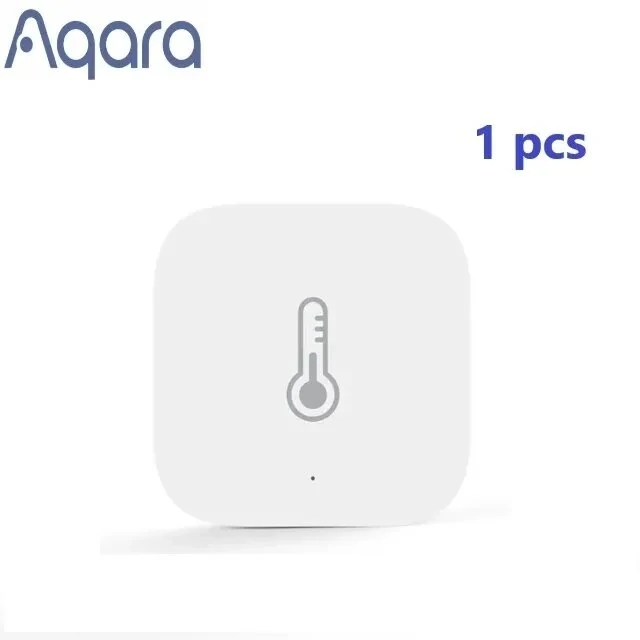
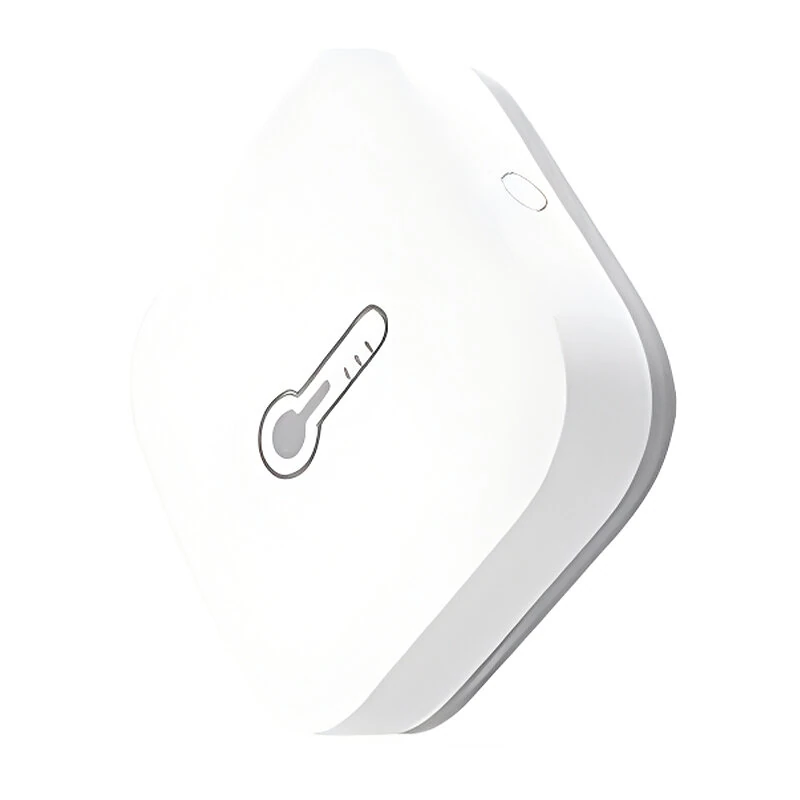
Aqara Smart Zigbe Temperature Sensor Air Pressure Humidity Environment Sensor Smart Control Work with Aqara Hub Mihome Homek APP
5.01 ratingThe Aqara Smart Zigbe Temperature Sensor Air Pressure Humidity Environment Sensor Smart Control Work with Aqara Hub Mihome Homek APP by Aqara is a mid-range product designed for everyday users.
Available Offers
Free Delivery on this order. No minimum order value.
15-Day Easy Returns — hassle-free return & full refund.
Secure Payment — 100% safe checkout with UPI, Cards & Net Banking.
27% Off — you save ₹977 on this product!
Available Offers
5% Cashback
Pay with UPI & get 5% cashback (up to ₹50) via Razorpay
No-Cost EMI
Available on select bank cards at checkout. 0% interest for 3 months.
Free Shipping
Free delivery on all orders. No minimum order value.
Cash on Delivery
COD available on orders up to ₹5,000 across India.
Ideal For
About This Product
The Aqara Smart Zigbe Temperature Sensor Air Pressure Humidity Environment Sensor Smart Control Work with Aqara Hub Mihome Homek APP by Aqara is a mid-range designed for everyday users. It delivers reliable performance at an accessible price.
Why Buy from Elecvora?
Elecvora sources this product directly, cutting out multiple middlemen. Every order includes free shipping, a 15-day return policy, and secure payment via Razorpay.
Specification:
Brand: Aqara
Model: WSDCGQ11LM
Battery: CR2032 (included)
Wireless Protocol: Zigbe
Dimensions: 36 × 36 × 9 mm (1.42 × 1.42 × 0.35 in.)
Temperature Range and Precision: -20℃~+50°C, ±0.3℃ (-4℉~+122℉, ±0.5°F)
Humidity Range and Precision: 0 – 100% RH (non-condensing), ±3%
Atmospheric Pressure Range and Precision: 30 kPa – 110 kPa, ±0.12 kPa
App Compatibility: Apple Home app (iOS 10.3 or later), Aqara Home app (Android 5.0 or later, iOS 10.3 or later), Mi Home app
Features:
1. Multi-Parameter Monitoring: Accurately detects temperature, humidity, and atmospheric pressure for comprehensive environmental monitoring.
2. Zigbe Connectivity: Ensures seamless wireless connection to Aqara and other compatible Zigbe devices, enabling smart home automation.
3. Real-Time Alerts: Automatically sends alerts when temperature, humidity, or pressure levels go beyond the normal range, ensuring a safe environment.
4. Historical Data Records: Keeps track of real-time and historical environmental data through compatible apps, helping you monitor conditions over time.
5. Easy Integration: Effortlessly connects with the Aqara Hub and integrates with Apple HomeKit, Aqara Home, and Mi Home apps for enhanced control and automation.
Package Include:
1x Aqara Smart Zigbe Temperature Sensor
1x User Manual