
1 / 6 · Click to enlarge
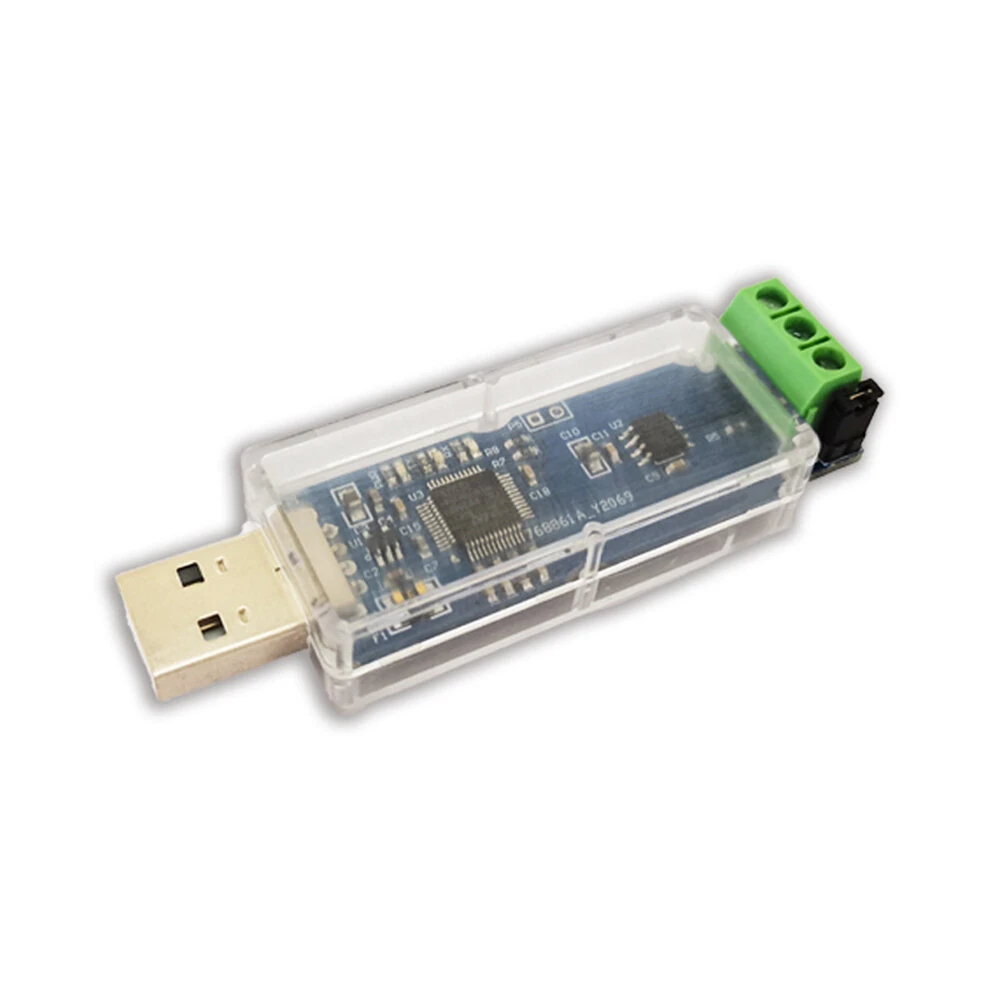
CANable USB to CAN Converter Module CAN Canbus Debugger Analyzer Adapter CANdleLight TJA1051T/3 NonIsolated Version
5.01 ratingThe CANable USB to CAN Converter Module CAN Canbus Debugger Analyzer Adapter CANdleLight TJA1051T/3 NonIsolated Version is a value-for-money product designed for everyday users. Customers praise its excellent build quality.
Available Offers
Free Delivery on this order. No minimum order value.
15-Day Easy Returns — hassle-free return & full refund.
Secure Payment — 100% safe checkout with UPI, Cards & Net Banking.
33% Off — you save ₹482 on this product!
Type: Board Only
Available Offers
5% Cashback
Pay with UPI & get 5% cashback (up to ₹50) via Razorpay
No-Cost EMI
Available on select bank cards at checkout. 0% interest for 3 months.
Free Shipping
Free delivery on all orders. No minimum order value.
Cash on Delivery
COD available on orders up to ₹5,000 across India.
Ideal For
About This Product
The CANable USB to CAN Converter Module CAN Canbus Debugger Analyzer Adapter CANdleLight TJA1051T/3 NonIsolated Version is a value-for-money designed for everyday users. Customers highlight its excellent build quality.
Why Buy from Elecvora?
Elecvora sources this product directly, cutting out multiple middlemen. Every order includes free shipping, a 15-day return policy, and secure payment via Razorpay.
Specifications:
Input Voltage: 5V (USB powered)
Chip: TJA1051T/3
Baud Rate: up to 1M
Status Indicator: Tri-colour LED
Color: Blue & Transparent
Material: PCB+ Plastic+Metal
Support: Open Source Upper Computer Cangaroo CAN Protocol Analysis Software
Size:75.5*24*18.5mm
Weight:15g
Features:
1. Using CANnonn-isolated chip TJA1051T/3, baud rate up to 1M
2. USB to CAN module (TJA1051T/3 non-isolated version) CAN bus debugging assistant CAN bus analyzer supports open source upper computer Cangaroo CAN protocol analysis software
3. CANABLE usb to can module is based on the open source project ported.
4. CAN bus protocol analysis can be performed using the open source upper computer Cangaroo.
Package Includes:
1 x USB to CAN module


