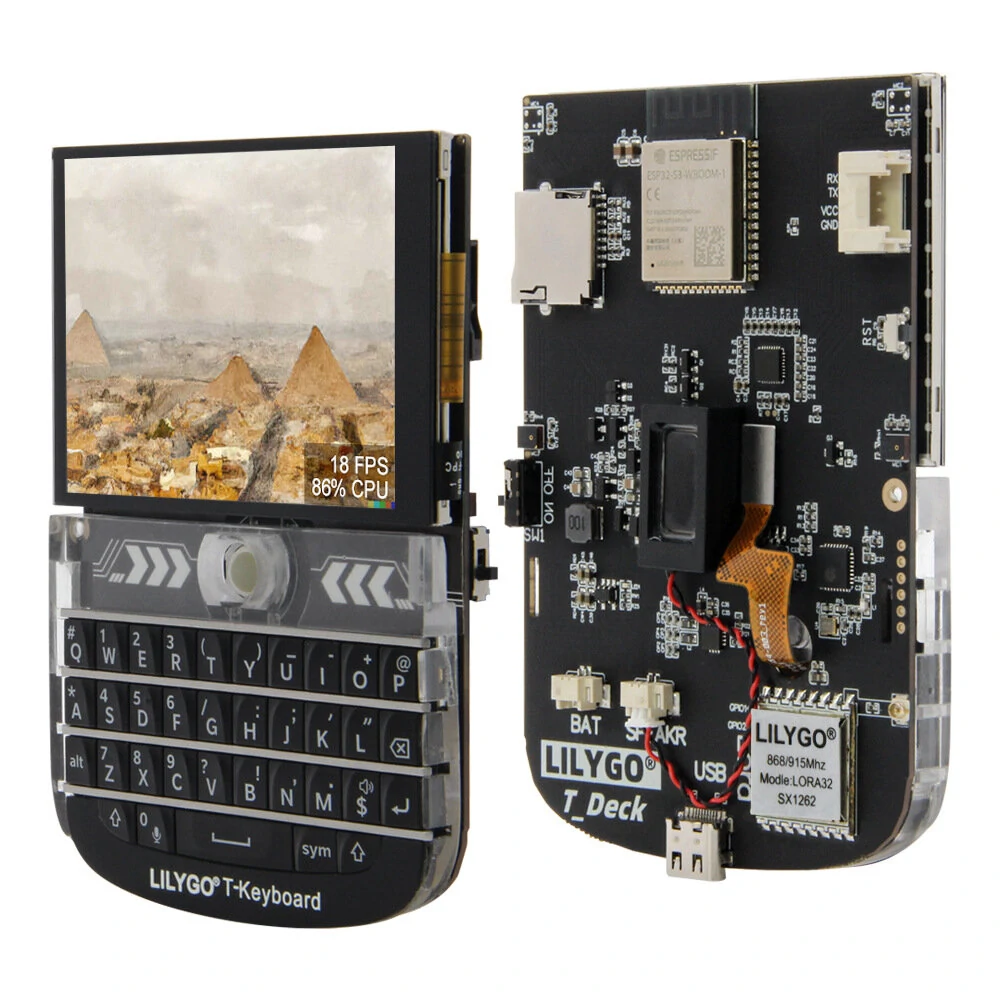
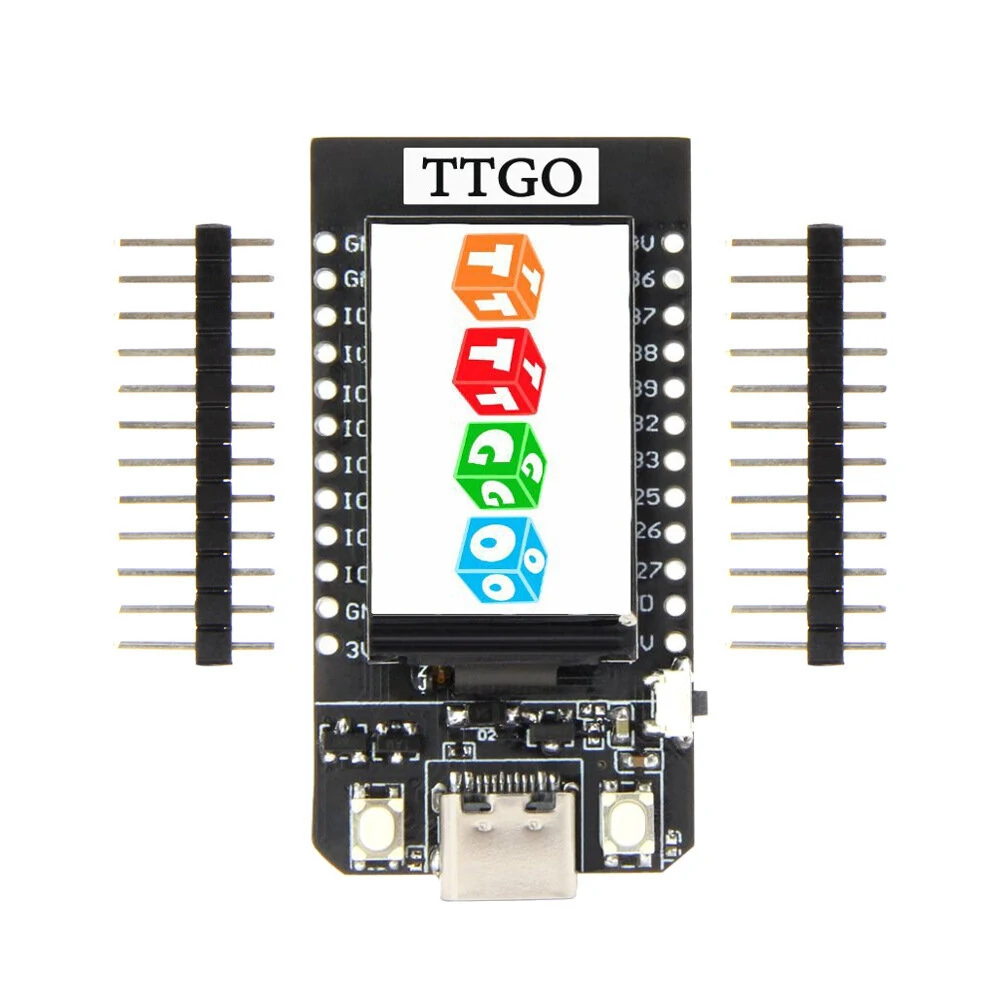
1 / 7 · Click to enlarge
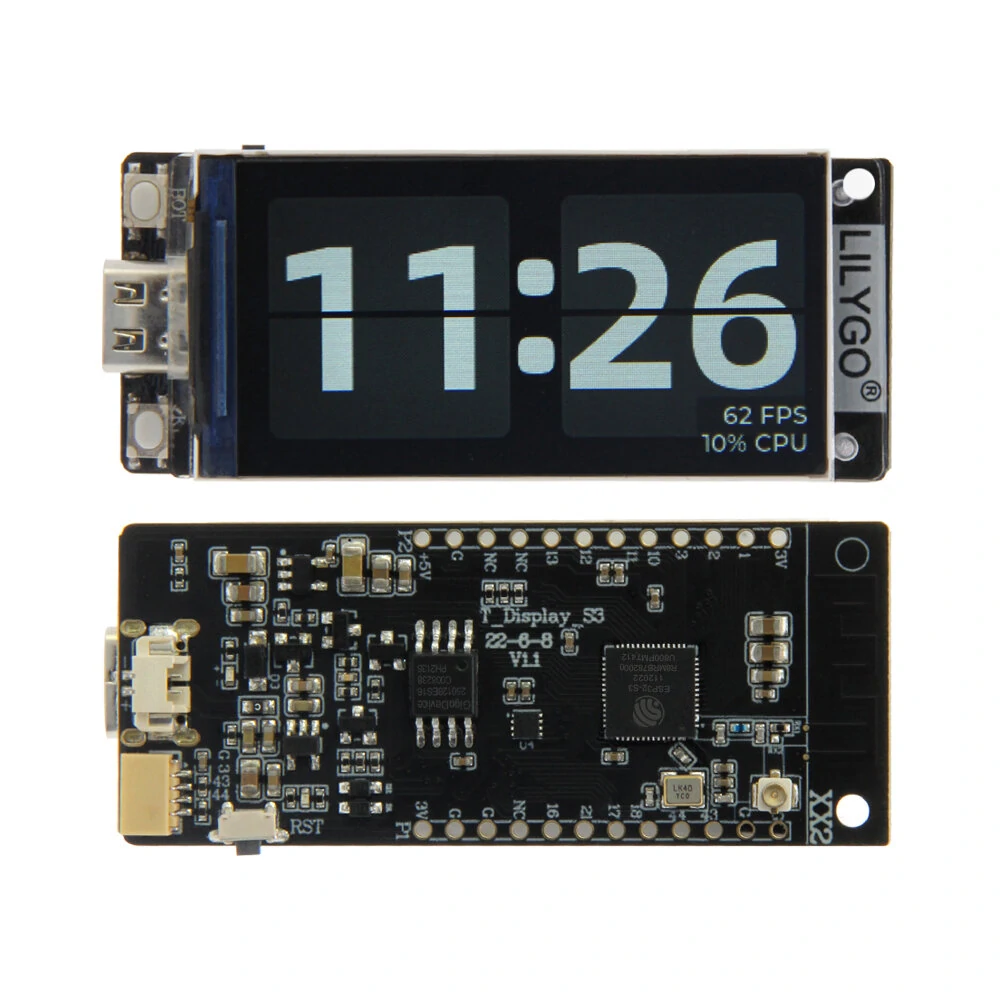
The LILYGO T-Display-S3 AMOLED Not solder version by LILYGO is a mid-range iot development boards designed for everyday users. It features Item Type: Other IoT Boards and Flash Memory: 6MB.
Available Offers
Free Delivery on this order. No minimum order value.
15-Day Easy Returns — hassle-free return & full refund.
Secure Payment — 100% safe checkout with UPI, Cards & Net Banking.
Available Offers
5% Cashback
Pay with UPI & get 5% cashback (up to ₹50) via Razorpay
No-Cost EMI
Available on select bank cards at checkout. 0% interest for 3 months.
Free Shipping
Free delivery on all orders. No minimum order value.
Cash on Delivery
COD available on orders up to ₹5,000 across India.
Quick Specs
Ideal For
About This Product
The LILYGO T-Display-S3 AMOLED Not solder version by LILYGO is a mid-range iot development boards designed for everyday users. It delivers reliable performance at an accessible price.
Key Specifications
- Item Type: Other IoT Boards
- Flash Memory: 6MB — effortless multitasking
- MCU Type: ESP32-S3R8 Dual-core LX7 microprocessor — smooth, lag-free performance
- Connectivity: Wi-Fi, Bluetooth 5.0 — faster pairing, longer range, and lower battery draw
- Development Board: Arduino, PlatformlO-IDE, Micropython
- Driver IC: RM67162
- PSRAM: 8MB
- Resolution: 240 X RGB X 536(H)
Why Buy from Elecvora?
Elecvora sources this product directly, cutting out multiple middlemen. Every order includes free shipping, a 15-day return policy, and secure payment via Razorpay.
The LILYGO T-Display-S3 AMOLED, Not Solder Version, is a compact and versatile development module featuring an ESP32 microcontroller and a vibrant AMOLED display. The non-solder version allows for customization and integration flexibility. With a vivid display and wireless connectivity, it is ideal for IoT projects and wearable applications. The AMOLED screen provides rich colors and deep contrast. Its small form factor makes it suitable for space-constrained projects. Designed for embedded systems development, it empowers users to create innovative solutions effortlessly, offering a valuable tool for various applications in the realm of prototyping and electronic experimentation.
Features:
- Equipped with the powerful ESP32 microcontroller for versatile computing capabilities.
- Features a vibrant AMOLED display, providing rich colors and deep contrast for enhanced visual experiences.
- Offers a not solder version, allowing customization and flexible integration into projects.
- Ideal for the Internet of Things (IoT) and wearable projects, combining computing and display capabilities.
- Supports wireless communication, facilitating connectivity in IoT applications.
- Small and portable design suitable for space-constrained projects.
- Designed for embedded systems development and prototyping.
Package Includes:
1 x LILYGO T-Display-S3 AMOLED Not solder version
1 x Power cable
2 x Pin (14Pin)