1 / 9 · Click to enlarge
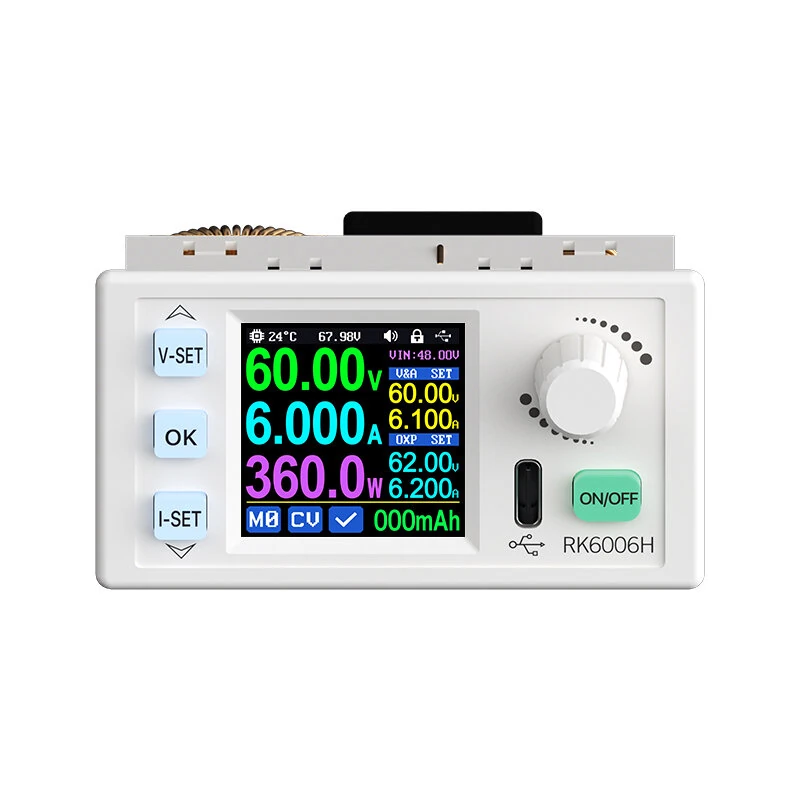
RIDEN RK6006H/BT 60V 6A 360W Step Up Step Down Voltage Module Adjustable Digital Control DC Regulated Power Supply Constant Voltage Current Meter
The RIDEN RK6006H/BT 60V 6A 360W Step Up Step Down Voltage Module Adjustable Digital Control DC Regulated Power Supply Constant Voltage Current Meter by RIDEN is a mid-range product designed for everyday users.
Available Offers
Free Delivery on this order. No minimum order value.
15-Day Easy Returns — hassle-free return & full refund.
Secure Payment — 100% safe checkout with UPI, Cards & Net Banking.
38% Off — you save ₹2,874 on this product!
Price: ₹4,645
Available Offers
5% Cashback
Pay with UPI & get 5% cashback (up to ₹50) via Razorpay
No-Cost EMI
Available on select bank cards at checkout. 0% interest for 3 months.
Free Shipping
Free delivery on all orders. No minimum order value.
Cash on Delivery
COD available on orders up to ₹5,000 across India.
Ideal For
About This Product
The RIDEN RK6006H/BT 60V 6A 360W Step Up Step Down Voltage Module Adjustable Digital Control DC Regulated Power Supply Constant Voltage Current Meter by RIDEN is a mid-range designed for everyday users. It delivers reliable performance at an accessible price.
Why Buy from Elecvora?
Elecvora sources this product directly, cutting out multiple middlemen. Every order includes free shipping, a 15-day return policy, and secure payment via Razorpay.
Specification:
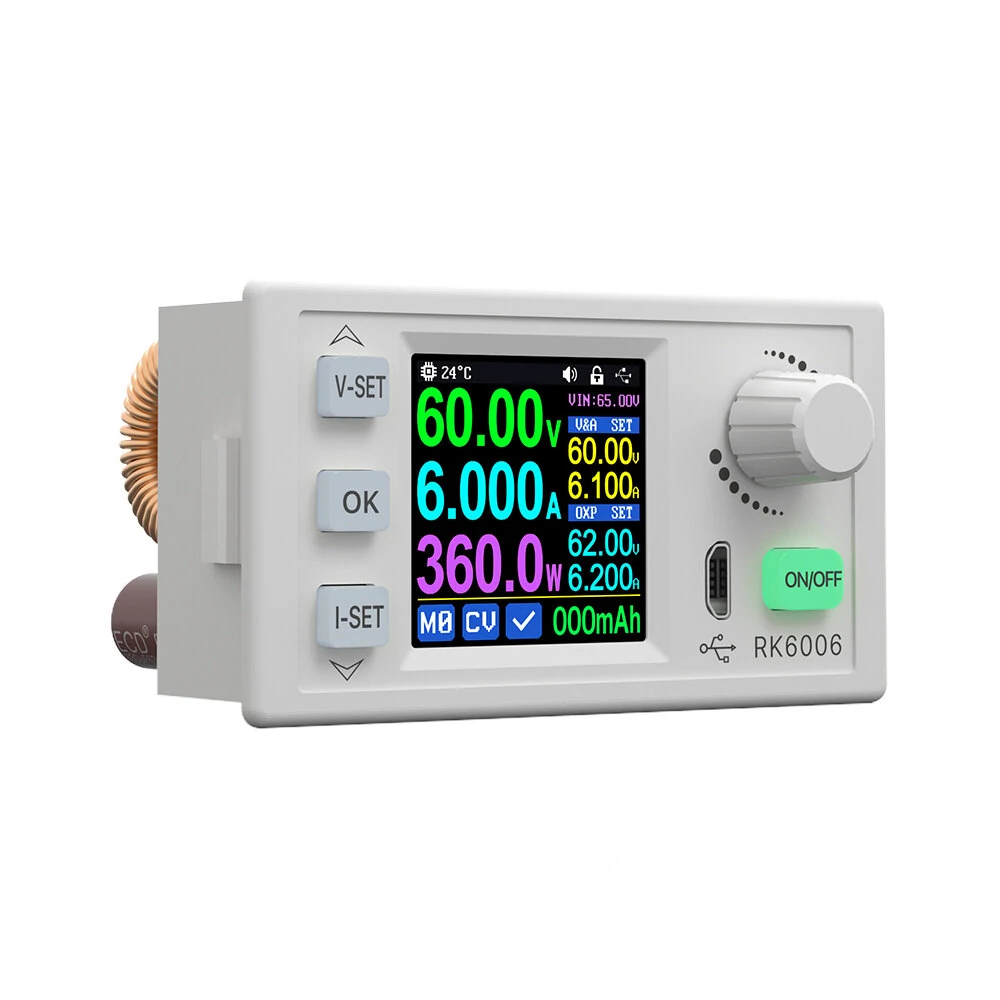
Model: RK6006H/RK6006H-BT (optional) Input voltage range: 7-70.00V Max input current: 8A Output voltage range: 0-60.00V Output current range: 0-6.000A Output power range: 0-360.0W Input voltage measurement resolution: 0.01V Output voltage setting measurement resolution: 0.01V Output current setting measurement resolution: 0.001A Input voltage measurement accuracy: ±(1%+5 digits) Output voltage accuracy: ±(0.3%+3 digits) Output currentaccuracy:±(0.5%+5 digits) Output ripple typical:100mV VPP① Working temperature range: -10℃~40℃ Constant voltage moderesponse time: 2ms(0.1A-5A Load) Constant voltage mode load regulation: ≤0.5% or ≤100mV(greater one) Constant current mode load regulation: ≤0.5% or ≤100mV(greater one) Capacity measurement range: 0-9999.99Ah Energy measurement range: 0-9999.99Wh Capacity and energy statistical error: ±2% Buck boost mode Over temperature protection: System temperature>85℃ Screen brightness setting: 0-5(6 level in total) Screen: 1.54 inch 240*240 color HD display Cooling fan start condition:Input current>5A or output current>5A or System temperature>55℃ Cooling fan shut down condition:Output current<4.9Aand System temperature<45℃ Weight(with package):About 0.17kg Product dimension: 79*43*55mm Support USB communication: yes Support Bluetooth communication: Only RK6006H-BT supports
Note: This device does not contain temperature sensor cable ①:Ripple measurement method: noise and ripple are measured at X1 range, AC coupling, 20MHz of bandwidth on your oscilloscope, with a 0.1uF parallel capacitor at the output terminals ②for example: input voltage is 24V,the max output voltage is 20.8V
Package includes:
1 x Power supply