
1 / 8 · Click to enlarge
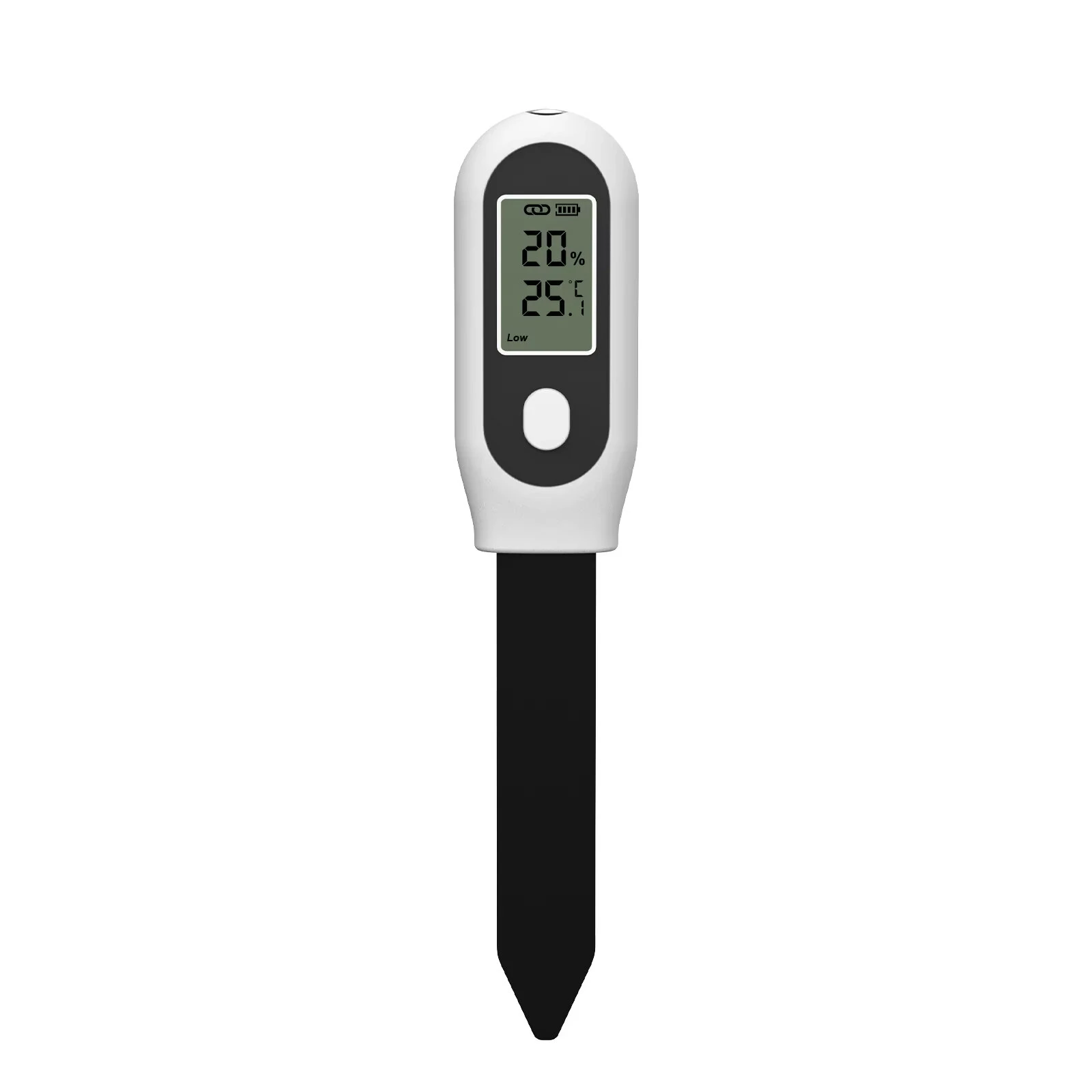
Tuya Zigbe Soil Moisture Sensor 3 in 1 Humidity Temperature Sunlight Meter Screen/APP Control for Plants Pots Garden
5.02 ratingsThe Tuya Zigbe Soil Moisture Sensor 3 in 1 Humidity Temperature Sunlight Meter Screen/APP Control for Plants Pots Garden is a mid-range product designed for everyday users.
Available Offers
Free Delivery on this order. No minimum order value.
15-Day Easy Returns — hassle-free return & full refund.
Secure Payment — 100% safe checkout with UPI, Cards & Net Banking.
Type: Zigbee
Available Offers
5% Cashback
Pay with UPI & get 5% cashback (up to ₹50) via Razorpay
No-Cost EMI
Available on select bank cards at checkout. 0% interest for 3 months.
Free Shipping
Free delivery on all orders. No minimum order value.
Cash on Delivery
COD available on orders up to ₹5,000 across India.
Ideal For
About This Product
The Tuya Zigbe Soil Moisture Sensor 3 in 1 Humidity Temperature Sunlight Meter Screen/APP Control for Plants Pots Garden is a mid-range designed for everyday users. It delivers reliable performance at an accessible price.
Why Buy from Elecvora?
Elecvora sources this product directly, cutting out multiple middlemen. Every order includes free shipping, a 15-day return policy, and secure payment via Razorpay.
Specification:
Name: Smart Soil 3-in-1 Soil Analyzer
Model: SGS02Z
Material: PC+ABS
Color: White
Power Supply: 2*AAA alkaline batteries (not included)
Measurements: Temperature, Humidity, Illumination, Soil moisture, Soil temperature, Soil pH
Measurement Range and Accuracy:
Temperature: -10°C~90°C (14F~194F),
Moisture: 0%~90%
Features:
1. Smart Tester: If you have Insome soil tester and water timer at same time, you could set a smart irrigation system. When the tester and timer controlled by same gateway, set a programmer to let timer on or off according to the data from soil meter automatic.
2. Reliable Performance: The temperature & humidity & sunlight 3 in 1statistics function, low battery reminder, and reading on mobile phone apps or LCD display allow users to constantly understand the specific situation of the soil, solving the problem of inconvenient traditional temperature and humidity readings.
3. Switching Between °C and °F: Choose your preferred reading unit, Fahrenheit or Celsius. Just click the round button on surface. Long press the button to use for distribution network.
4. Check Humidity and Temperature: You could check Moisture and Temperature in anywhere and anytime. Our sensor can record those dates within 365 days.
Package Include:
1 x Soil Temperature Humidity Sensor
1 x Manual
Tips:
1. Tuya Zigbe version must work with Tuya Zigbe gateway,Please purchase in addition.
2. Record date within 365 days. Change ℃ or ℉ by button on surface. Low power warming.
3. Support Tuya, Smart Life, Home Assistant, etc.
4. For Soil Only, please don't use it test water.


