1 / 3 · Click to enlarge
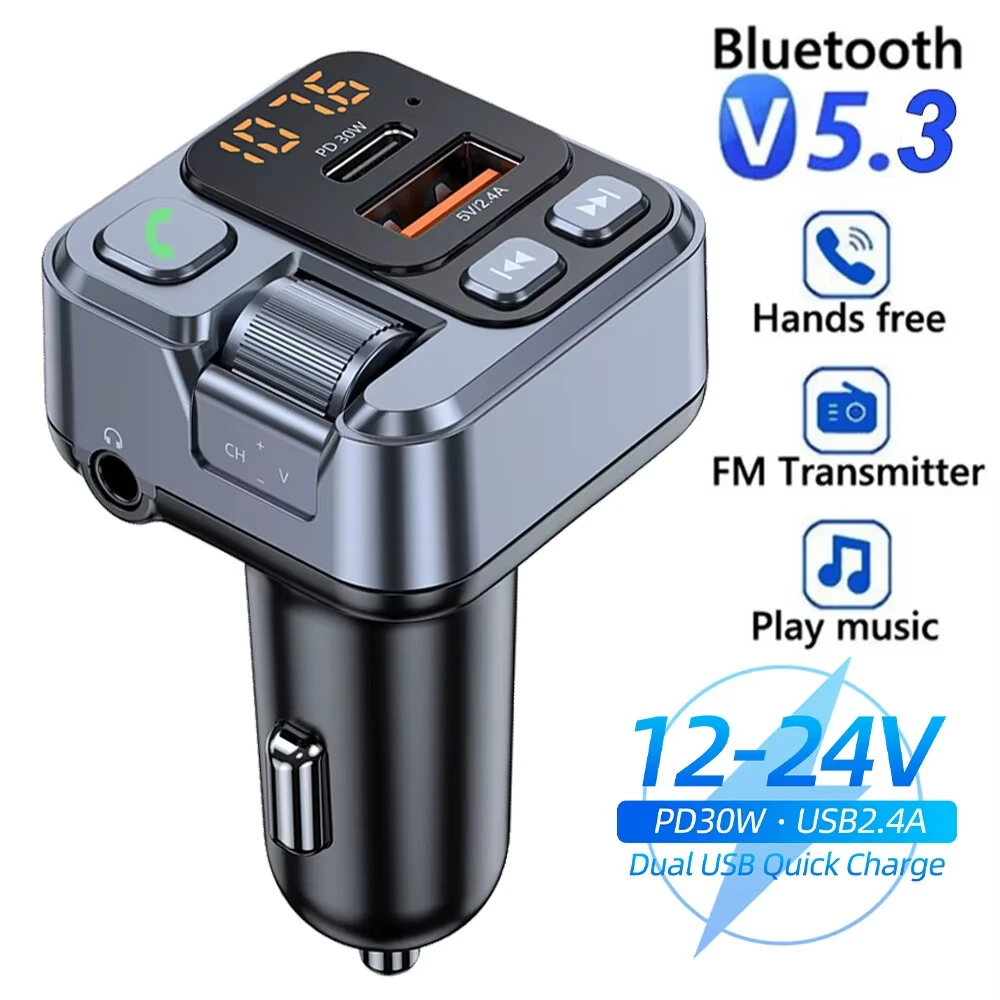
Universal Car Wireless Bluetooth Module 2RCA Lotus Male AUX Audio Adapter Cable
 Universal Car (2RCA)
 Mercedes Benz Comand APS NTG CD20 30 50
 Opel CD30 CDC40
 Opel CD30
 Renault
 Renault Model
 Renault Adapter Cable
 BMW BM54
 Ford Focus / Fiesta / Mondeo
 Mercedes Benz Comand APS NTG
 Nissan
 Porsche Becker CD
 Suzuki
 Toyota
 Volvo C S V CX Series
 Pioneer P99 P01
 Universal Car
 Kenwood
 Kenwood 13-pin
 Fiat / Lancia
 Pioneer P99 P01 CD DVD
The Universal Car Wireless Bluetooth Module 2RCA Lotus Male AUX Audio Adapter Cable is a mid-range other car electronics designed for everyday users. It features One Package Weight: 0.06kgs / 0.14lb and One Package Size: 11cm * 11cm * 5cm / 4.33inch * 4.33inch * 1.97inch.
Available Offers
Free Delivery on this order. No minimum order value.
15-Day Easy Returns — hassle-free return & full refund.
Secure Payment — 100% safe checkout with UPI, Cards & Net Banking.
Available Offers
5% Cashback
Pay with UPI & get 5% cashback (up to ₹50) via Razorpay
No-Cost EMI
Available on select bank cards at checkout. 0% interest for 3 months.
Free Shipping
Free delivery on all orders. No minimum order value.
Cash on Delivery
COD available on orders up to ₹5,000 across India.
Quick Specs
Ideal For
About This Product
The Universal Car Wireless Bluetooth Module 2RCA Lotus Male AUX Audio Adapter Cable is a mid-range other car electronics designed for everyday users. It delivers reliable performance at an accessible price.
Key Specifications
- One Package Weight: 0.06kgs / 0.14lb
- One Package Size: 11cm * 11cm * 5cm / 4.33inch * 4.33inch * 1.97inch
- Best Sellers Rank (In Car): #4427
- Best Sellers Rank (In Car > Replacement Parts): #3082
- Best Sellers Rank (In Car > Replacement Parts > DIY Cables): #336
Why Buy from Elecvora?
Elecvora sources this product directly, cutting out multiple middlemen. Every order includes free shipping, a 15-day return policy, and secure payment via Razorpay.
Main Features: 1. Plug & Play: installed via original CD changer port, easy and fast, integrated with the car. 2. Wireless A2DP Playback: easily streaming music of Bluetooth devices into factory car stereo system. 3. Hi-fi Sound Quality: Connected to car stereo via wire harness, no interference and no loss of sound quality, rivaling original CD sound. 4. Allow you to easily have popular configuration of advanced car stereo, is the best choice for safe driving and enjoying digital music. 5. Bluetooth version: 5.0 6. Voltage: 5-12V Note: 1. Does not support hands-free phone call(HFP): It does not supports answer/hang up etc. Via car radio buttons and steering wheel buttons 2. Does not support Bluetooth AVRCP Control: Prev/Next Track, Pause/Play, Fast forward/backward via car radio buttons or steering wheel buttons. Applicable to all kinds of post-installed CD players, such as Alpine, Pioneer, Clarion and other navigation machines, the original car with AUX IN lotus female head behind the sound, can be inserted with the RCA male, to achieve Bluetooth music.