1 / 6 · Click to enlarge
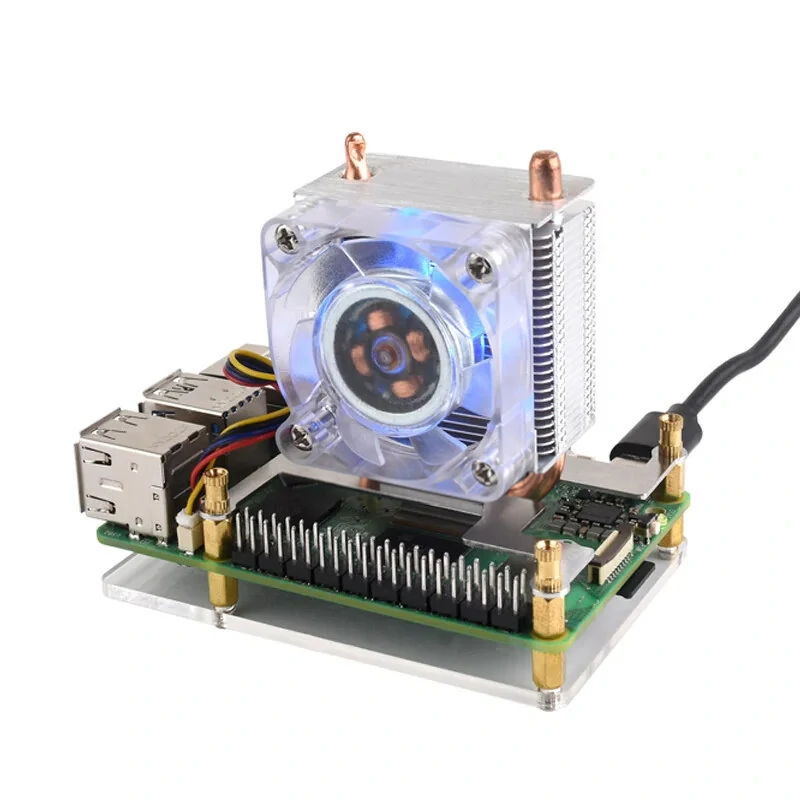
Waveshare Stripe Aluminum Cooling Case for Raspberry Pi 4, Built-In Active Radiator with Fins(Black)
 21766
21766 21176
21176 21177
21177 21767
21767 21670
21670The Waveshare Stripe Aluminum Cooling Case for Raspberry Pi 4, Built-In Active Radiator with Fins(Black) is a mid-range electronics designed for everyday users. It features One Package Weight: 0.21kgs / 0.46lb and One Package Size: 15cm * 12cm * 5cm / 5.91inch * 4.72inch * 1.97inch.
Available Offers
Free Delivery on this order. No minimum order value.
15-Day Easy Returns — hassle-free return & full refund.
Secure Payment — 100% safe checkout with UPI, Cards & Net Banking.
Available Offers
5% Cashback
Pay with UPI & get 5% cashback (up to ₹50) via Razorpay
No-Cost EMI
Available on select bank cards at checkout. 0% interest for 3 months.
Free Shipping
Free delivery on all orders. No minimum order value.
Cash on Delivery
COD available on orders up to ₹5,000 across India.
Quick Specs
Ideal For
About This Product
The Waveshare Stripe Aluminum Cooling Case for Raspberry Pi 4, Built-In Active Radiator with Fins(Black) is a mid-range electronics designed for everyday users. It delivers reliable performance at an accessible price.
Key Specifications
- One Package Weight: 0.21kgs / 0.46lb
- One Package Size: 15cm * 12cm * 5cm / 5.91inch * 4.72inch * 1.97inch
- Best Sellers Rank (Consumer Electronics): #3962
- Best Sellers Rank (Consumer Electronics > Electronics Module): #145
- Best Sellers Rank (Consumer Electronics > Electronics Module > Other Accessories): #36
Why Buy from Elecvora?
Elecvora sources this product directly, cutting out multiple middlemen. Every order includes free shipping, a 15-day return policy, and secure payment via Razorpay.
1. Design with good heat dissipation, do not have to install the cooling fan or heatsink. 2. This case is constructed out of high quality aluminum material. 3. Suitable for Raspberry Pi 4 only 4. Access to all ports of Raspberry Pi 4 5. Cable interface is reserved, support to install cable. Note: Please insert the Micro SD card to Raspberry Pi before installing the case.